

Most website hosting plans throw in a handful of free mailboxes, and it is easy to see why businesses use them: one invoice, one control panel, one login to remember. For a long time that setup is genuinely fine. Then a client says a quote never arrived, a founder finds two hundred old emails eating up a two-gigabyte quota, or someone leaves the company holding the only working password to a shared inbox - and the convenience starts costing more than it saved.
Deciding whether to stay on hosting mail or move to Google Workspace or Microsoft 365 is not really about brand preference. It is about which weaknesses your business can tolerate at its current size, and which ones are already showing up.
What shared hosting mail actually is
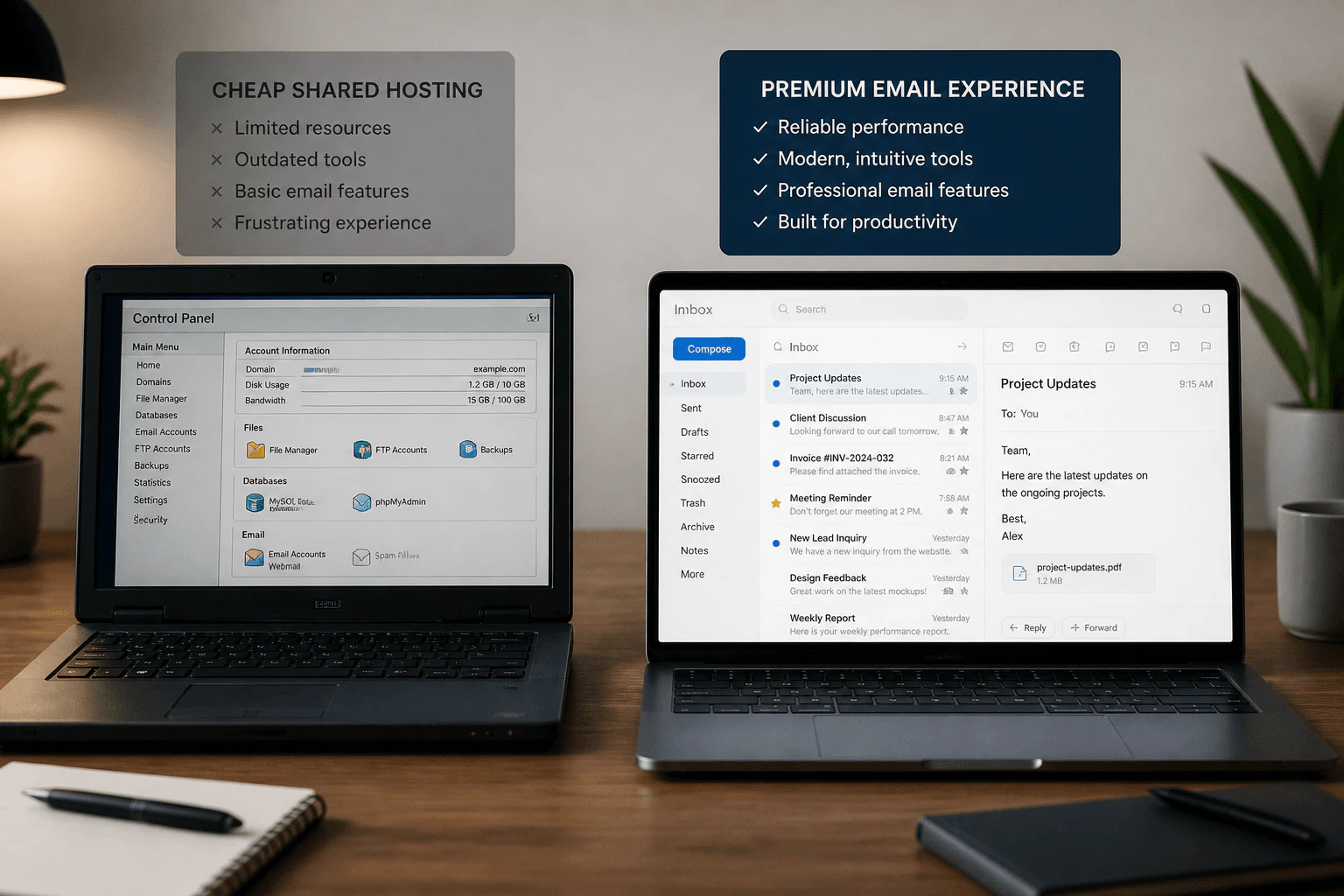
Mailboxes bundled with hosting (commonly managed through cPanel or a similar panel) usually run on the same server as your website, sharing its IP address, resources, and - this is the part that catches people out - its sending reputation with every other customer on that server. You did not choose your mail neighbours, and their behaviour can affect whether your messages land in the inbox.
Where it genuinely works fine
- A very small team sending low volumes of mostly one-to-one correspondence.
- A holding domain that receives the occasional message but is not central to daily operations.
- Early-stage businesses testing an idea before committing to recurring per-user costs.
If that describes your situation, moving providers purely for prestige is not worth the effort yet.
Where it breaks down
- Clients or customers report messages missing or landing in spam more often than feels normal.
- Storage limits force constant deleting or archiving just to keep receiving mail.
- Mobile sync is unreliable, or calendar and contacts do not sync at all.
- There is no real audit trail or admin console when someone leaves the company.
- You are investing in ads or transactional email that depends on a clean sending reputation.
Cost versus the cost you do not see on the invoice
Shared hosting mail is inexpensive or bundled for free. Google Workspace and Microsoft 365 charge per user, per month, which can look like a jump for a five-person team. The comparison only looks fair once you count what cheap mail actually costs elsewhere: hours lost chasing a missing quote, a support ticket about a full mailbox, or a week of silence after a host incident nobody can explain.
There is also a security angle that is easy to underestimate. Shared hosting panels often lag behind on modern authentication options like enforced two-factor login and granular permissions, which matters more the moment a shared inbox holds financial or customer data.
A consulting firm we worked with kept five mailboxes on its hosting plan for years without issue. Then it launched a paid ad campaign that funnelled leads straight into one of those inboxes. Within two weeks, roughly a third of automated confirmation emails from its booking form were landing in spam - not because the copy changed, but because a neighbouring account on the same shared IP had been flagged for abuse. The fix took a single afternoon once mail moved to a dedicated Workspace domain; diagnosing the actual cause without that context could easily have taken a month.
What Workspace or Microsoft 365 add
- Stronger, more actively maintained spam filtering built around a dedicated sending reputation.
- A real admin console for adding, suspending, and removing accounts the day staff changes happen.
- Calendar, contacts, and file storage that sync properly across phone, desktop, and web.
- Clear, well-documented authentication (SPF/DKIM) managed per domain rather than shared with unrelated hosting customers.
- Enforced two-factor authentication and device management options that most hosting panels lack.
- A sending reputation that is isolated from unrelated hosting customers, rather than inherited from whoever else shares the server's IP.

Making the switch without a lost week of mail
- Keep the website on its current host - this is purely a mail decision, not a hosting migration.
- Set up the new mailboxes and confirm sending and receiving work before touching MX records.
- Export and import existing mail, contacts, and calendar data ahead of the cutover.
- Update MX records during a quiet window, then monitor both old and new inboxes for a day or two in case of delayed delivery.
- Re-publish SPF, enable DKIM, and add DMARC once the new mailboxes are confirmed working.
Keep both the old and new mailboxes reachable for a week or two after the cutover rather than deleting the hosting mail account immediately. Mail servers you forgot were sending as your domain sometimes only surface once real traffic resumes, and having the old inbox still available makes it easy to catch anything that slipped through during the transition.
A quick decision checklist
- If you have fewer than a handful of low-volume mailboxes and no complaints, staying is reasonable.
- If clients mention spam or missing mail more than once, treat it as a signal, not a fluke.
- If you are about to invest in ads or scale outreach, fix mail infrastructure first.
- If offboarding a staff member means guessing at shared passwords, that alone justifies the move.
Keeping the website on hosting while moving only mail to Workspace or Microsoft 365 is a completely normal split, and one of the lowest-risk upgrades a growing business can make. Killer Click plans that cutover so MX, SPF, and DKIM change together, without a silent week of lost enquiries in between.