

Two lines of text decide whether someone clicks your result or the one next to it. The title tag and meta description don’t determine where you rank - that’s mostly content, links, and technical health - but once you’re on the results page, they decide how many of the people who see you actually click through. A page ranking in position four with a mediocre snippet can get outclicked by a position-six result that simply looks more relevant.
What a title tag actually is
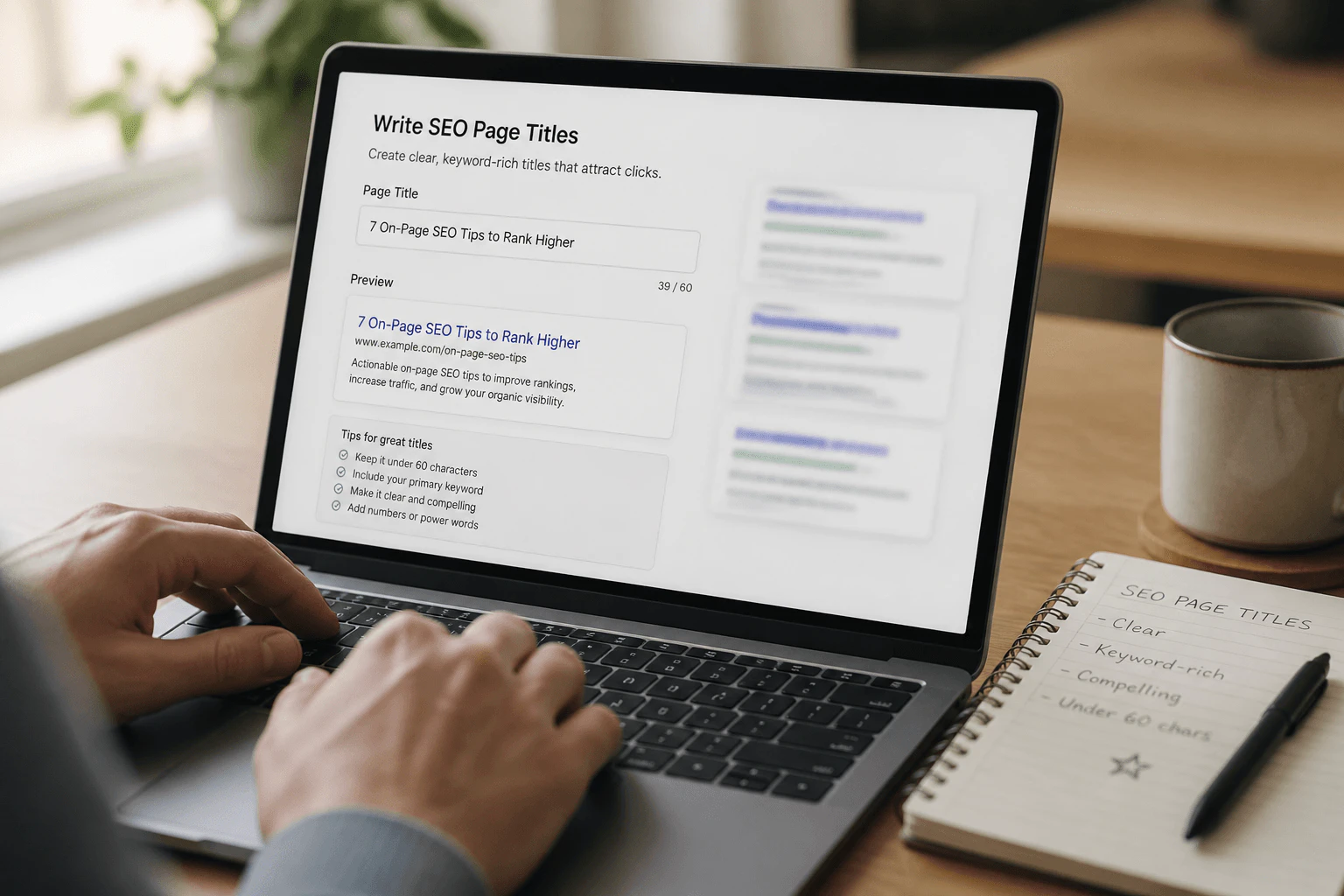
The title tag is an HTML element in the page’s <head> and usually the first thing Google displays as the blue clickable link in results. Google sometimes rewrites it if it judges the original a poor match for the query, which is a signal worth noticing: repeated rewrites on the same page usually mean the title isn’t reflecting the content well enough. Aim for roughly 50-60 characters so it doesn’t get truncated on most devices, though Google increasingly judges pixel width rather than a strict character count.
What a meta description does (and doesn’t do)
The meta description is a short summary in the page’s <head> that often appears as the snippet text under the title. It has no direct ranking weight - Google confirmed this years ago - but it’s frequently rewritten to match the searcher’s query if your version doesn’t address it. Where it does matter is trust: a clear description that answers “is this for me” earns clicks that a vague or missing one won’t.
Writing habits that actually raise CTR
- Lead with the outcome or topic people actually typed, not a generic company tagline.
- Keep titles specific - a vague brand-only title underperforms badly on competitive queries.
- Use the description to resolve doubt: who the page is for, what they get, and what happens after they click.
- Avoid duplicate titles across dozens of thin or near-identical pages; each one dilutes the others.
- Include the primary keyword naturally near the front, without repeating it awkwardly.
A quick before-and-after
A generic title like “Home - Acme Consulting” tells a searcher almost nothing about why they should click. A rewritten version like “Small Business Bookkeeping Services - Acme Consulting” matches intent immediately and gives the searcher a reason to trust the result over three others that look identical. The description can then add the missing detail: pricing model, turnaround time, or who the service suits - whatever question the searcher is silently asking before they click.
The same logic applies to blog content, just with a different kind of promise. “10 Tips” tells the searcher nothing about the outcome; “How to Fix a Slow WordPress Site: 10 Checks Before You Change Hosts” tells them exactly what they’ll get and who it’s for. E-commerce product pages benefit from the same specificity - a title that mentions size, material, or a defining feature usually beats a bare product name, because it pre-answers a question the searcher was about to click through to ask anyway.
What Search Console adds to the picture
Search Console’s Performance report shows queries, impressions, clicks, and average position for every page. The useful pattern to look for is a page with solid impressions and a reasonable position - say 5 to 15 - but a click-through rate well below what similar pages get. That mismatch usually points to the title and description, not the content itself. Rewrite them first, since it’s a five-minute change, and retest after a couple of weeks of fresh data before deciding whether it worked. Segmenting by query in the same report often shows that one snippet is winning clicks for a valuable term while losing them for a nearly identical one - a sign the title needs to speak to both intents, or that a second page should target the weaker query directly.

Mistakes that quietly cost clicks
- Clickbait titles that overpromise and disappoint on the landing page - it trains visitors to bounce and trains Google that the snippet was a poor match.
- Letting a CMS auto-generate titles from the page name, producing things like “Untitled-2” or duplicate defaults.
- Writing titles for search engines instead of humans, stuffing keywords in a way that reads awkwardly.
- Ignoring how the title reads on mobile, where more of it gets cut off than on desktop.
It’s also worth remembering that Google’s truncation isn’t a fixed character count - it’s a pixel width, so a title full of wide capital letters can get cut off sooner than a longer one written mostly in lowercase. Previewing the exact snippet in a SERP simulator before publishing catches this far more reliably than counting characters by hand.
A short checklist for every important page
- Write a unique title under roughly 60 characters that matches real search intent.
- Write a unique meta description under roughly 155 characters that answers “is this for me”.
- Check Search Console for pages with high impressions and low CTR, and rewrite those first.
- Align the on-page H1 and intro paragraph with whatever you promised in the snippet.
- Re-check titles after any rebrand, URL change, or CMS migration - defaults reset more often than people expect.
Killer Click reviews titles and descriptions as part of both SEO and paid landing page work, because the same clarity that earns an organic click also improves Quality Score when an ad and its landing page share the same honest message.